Nine steps, about fifteen minutes to read. None of them needs you to buy anything, and none of them promises sales. A site of your own won't bring buyers the way Etsy search does. It gives you a place that stays yours when the rules change.
Etsy shops that sell digital downloads: printables, papers, clipart, templates and kits. Selling physical or print-on-demand items? This edition isn't built for you yet. Shipping, addresses and print partners need a playbook of their own.
Step 1Know what you rent
On Etsy you rent almost everything that makes the shop work: the address, the search placement, the reviews, the buyer contact details and the listing pages. If the shop is suspended, it all goes at once.
What you own is smaller, but it's the part that matters: your photos, your product files, your descriptions, your designs and your records. Those can move.
So leaving isn't a single day. First you copy what you own somewhere you control. Then you slowly build up what you used to rent: buyers who know where to find you, reviews and traffic.
Step 2Find your real fee rate
Shop Manager › Finances › Monthly statements › View all monthly statements
Add up every fee on last month's statement and divide by that month's sales: listing and renewal fees, transaction fees, payment processing, Etsy Ads, Offsite Ads, Plus, and the tax on all of them. That's your real fee rate. On cheap items it's usually brutal, because it's the fixed fees that do the damage.
Doing that by hand is a chore, so I built a calculator for it. Choose a month and select Generate CSV; Etsy emails you when the file is ready. Do that for a few months, drop the files in, and it adds up every fee line for you.
Runs in your browser. Your files never leave your computer.
Write the number down. It's the one your own shop has to beat.
Step 3Download your records
Etsy keeps your records in two places, and you want both. Do it today.
- Your listings and orders: Shop Manager › Settings › Options › Download Data. Download the listings file (a CSV) and your orders for every year you've sold. The listings file is what a storefront is built from.
- Your monthly statements: Shop Manager › Finances › Monthly statements › View all monthly statements. Choose a month, select Generate CSV, then use Download Now in the email Etsy sends you. These carry every fee, and they're the files the fee calculator reads. The Download Data files won't work in it.
Menu names checked against Etsy's help pages on 8 November 2026.
The listings file only holds active listings. When I checked my old second shop, it had 0 active listings and 212 expired ones, so its file would have been empty. Download before anything lapses.
The file has your titles, descriptions, prices, tags, variations and photo links. It has no listing numbers and no digital files. Your product files never come out of Etsy, so keep your own originals, backed up somewhere that isn't Etsy and isn't one laptop.
Step 4Keep Etsy as a shelf
Don't close your Etsy shop. It still puts your work in front of strangers who would never find your site. Treat it as one shelf among several.
Since October my own shop runs that way: auto-renew off, Etsy Ads off, no sales events. A listing renews only when a sale pays for it.
Cut whatever doesn't pay its way: Plus if you don't use it, ads that don't earn back their cost, and renewals on listings nobody has bought in months.
Etsy lets you have your own website. It doesn't let you use your listings, shop pages or Etsy messages to send its buyers somewhere else to buy. Keep the two apart.
Step 5Get an address you own
A domain costs about $10 to $20 a year, and it's the cheapest insurance on this list. Your site, your email list and your social profiles all point at it. When a platform changes its rules, you change where the address points, and your buyers keep using the same one.
Already own a domain? A sub-address such as shop.yourname.com costs nothing extra. This playbook lives on one.
Step 6Choose a checkout that pays you
For digital downloads I use Payhip. It runs the cart on my own site, and it's the checkout the demo storefront is built for. The free plan takes 5% of each sale plus the card fee, delivers the files, and handles EU and UK VAT for you.
If Payhip doesn't suit you, these are the two I'd look at next:
* I use Payhip myself, and its link is an affiliate link: if you open an account through it, Payhip pays me a share of its fees, and it costs you nothing extra. The Stan Store and Gumroad links are plain links. Fees checked 8 November 2026.
You don't need a checkout on day one. A storefront whose buttons open your Etsy listings works from the first hour. Move your best sellers to your own checkout once the site has earned its keep.
Step 7Build a storefront from your listings
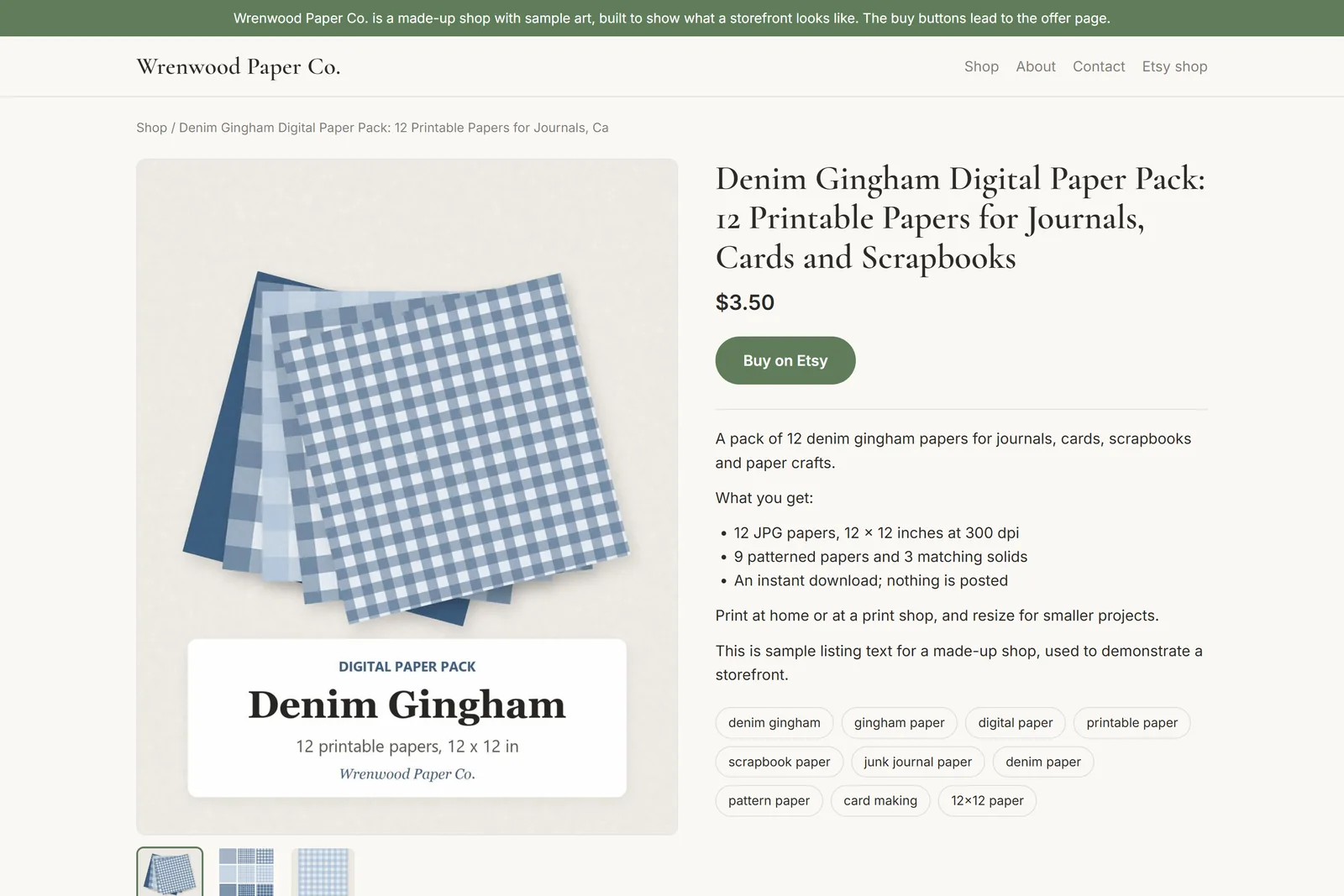
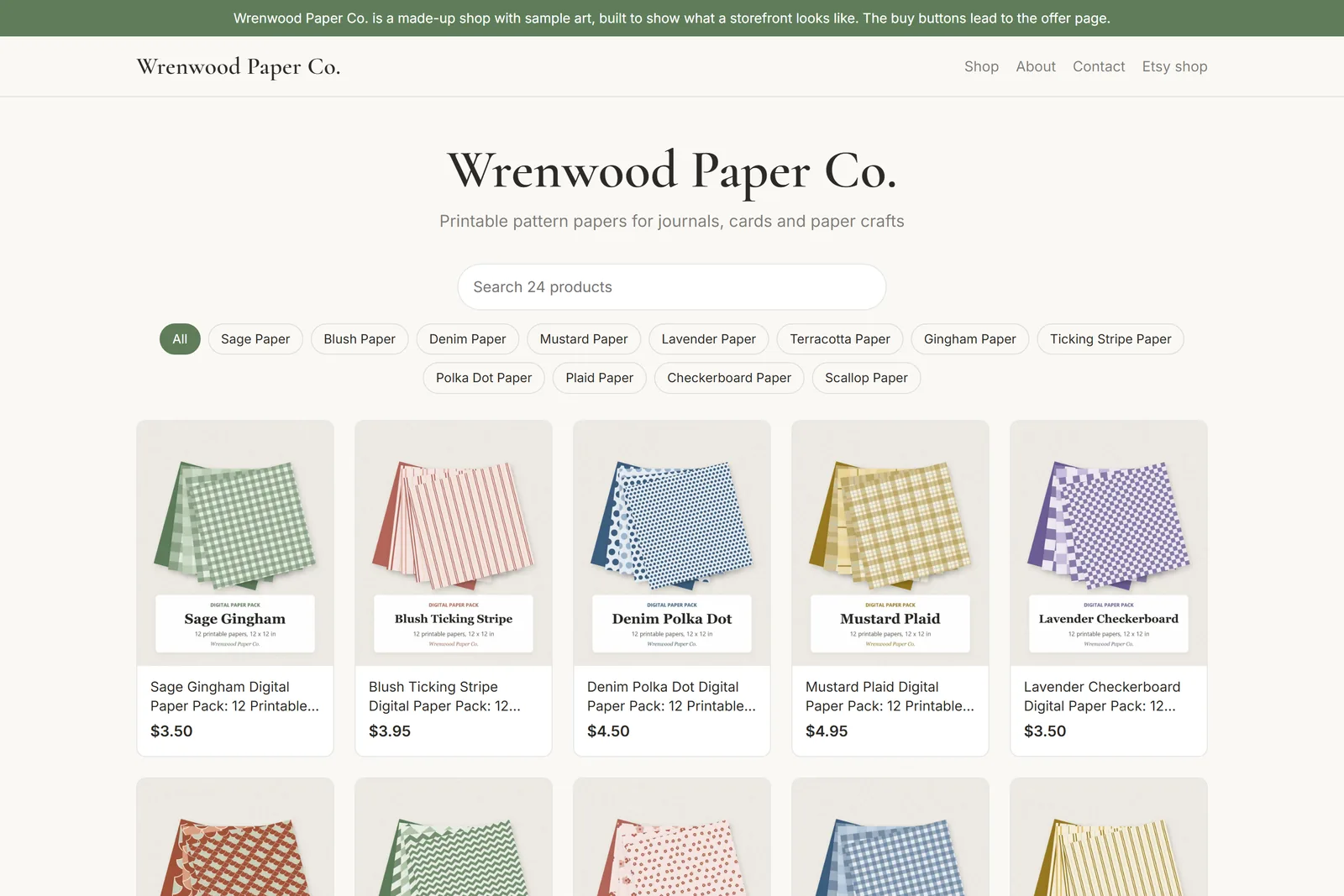
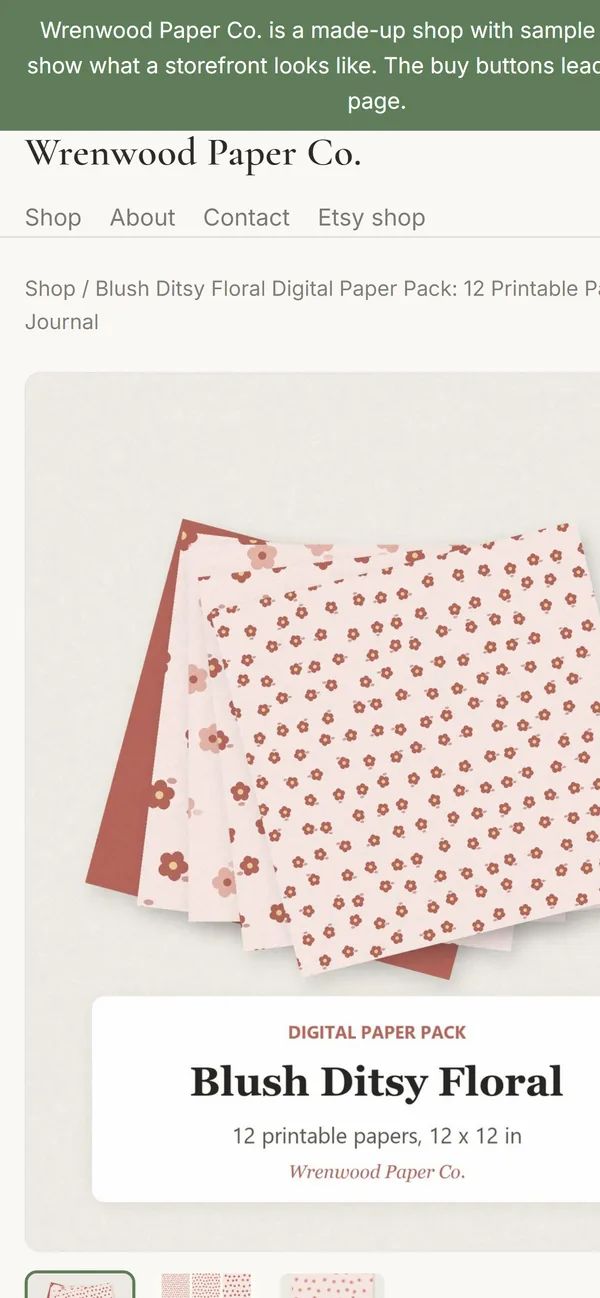
Your listings file is most of a website already: every title, description, price, tag and photo link. A small program can turn it into a fast site with a page for each product, search, and buttons that go wherever you choose. The demo shop was built that way, from a sample listings file for a made-up shop.
A static site is just plain files. There's no database, no plugin and no login for anyone to break into. It can sit on a free host like Cloudflare Pages or Netlify, in an account in your name, and it moves to another host in an afternoon.
It has limits, and you should know them before you start. It's a snapshot, so a price you change on Etsy only changes on the site when you rebuild it. A new site gets very little Google traffic for months. And descriptions copied word for word from Etsy usually lose to Etsy's own page, so rewrite your best ten over time.
You can build one yourself. If you'd rather not, I'll build it for you.
Step 8Start your own email list
Etsy gives you buyers' details so you can fill their orders. Using them for marketing breaks Etsy's rules unless the buyer clearly asked to hear from you. Don't risk the shop over a mailing list.
Build the list on your own site instead. Offer something small and useful for an email address: a free sample, a printable, or a discount on your own checkout. Buyers who pay through your own checkout can opt in when they buy.
Step 9Send people to your own site
Point everything you control at the address you own: your pins, your social bios, your email signature and your blog. Mine all point at my own site now, and none of them point at Etsy.
Expect it to be slow. Your site won't replace Etsy search. It's where repeat buyers, followers and subscribers go, and that group grows a little every month you keep at it.
The checklist
Your ticks stay in this browser.